
How we verify prop firm rules
We publish prop firm trading rules only after matching the firm's own source to the exact program and account stage. Firms still being researched are marked as under review.
How do we check a firm's rules? Five checks, repeated every 60 days.
1Pin down the exact account
Program, stage and purchase or reset date. A firm name alone is not enough to pick a rule.
2Read the firm's own rules
Only the firm's current help pages and agreement count. We keep the source and check date on file, and show conflicts instead of picking one.
3Identify the issued broker route
Use the Tradovate or Rithmic credentials issued for the purchased account. Some firms offer different routes by program or stage.
4Map the rule to Copilink
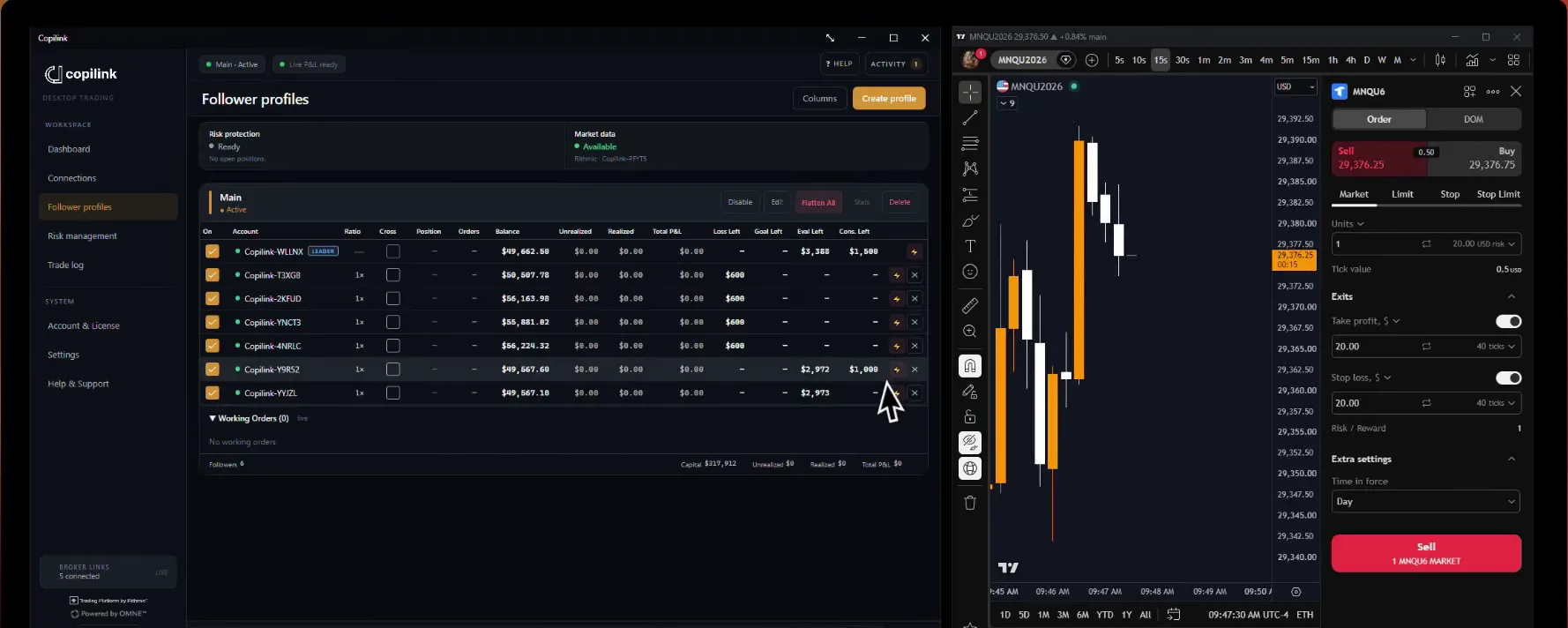
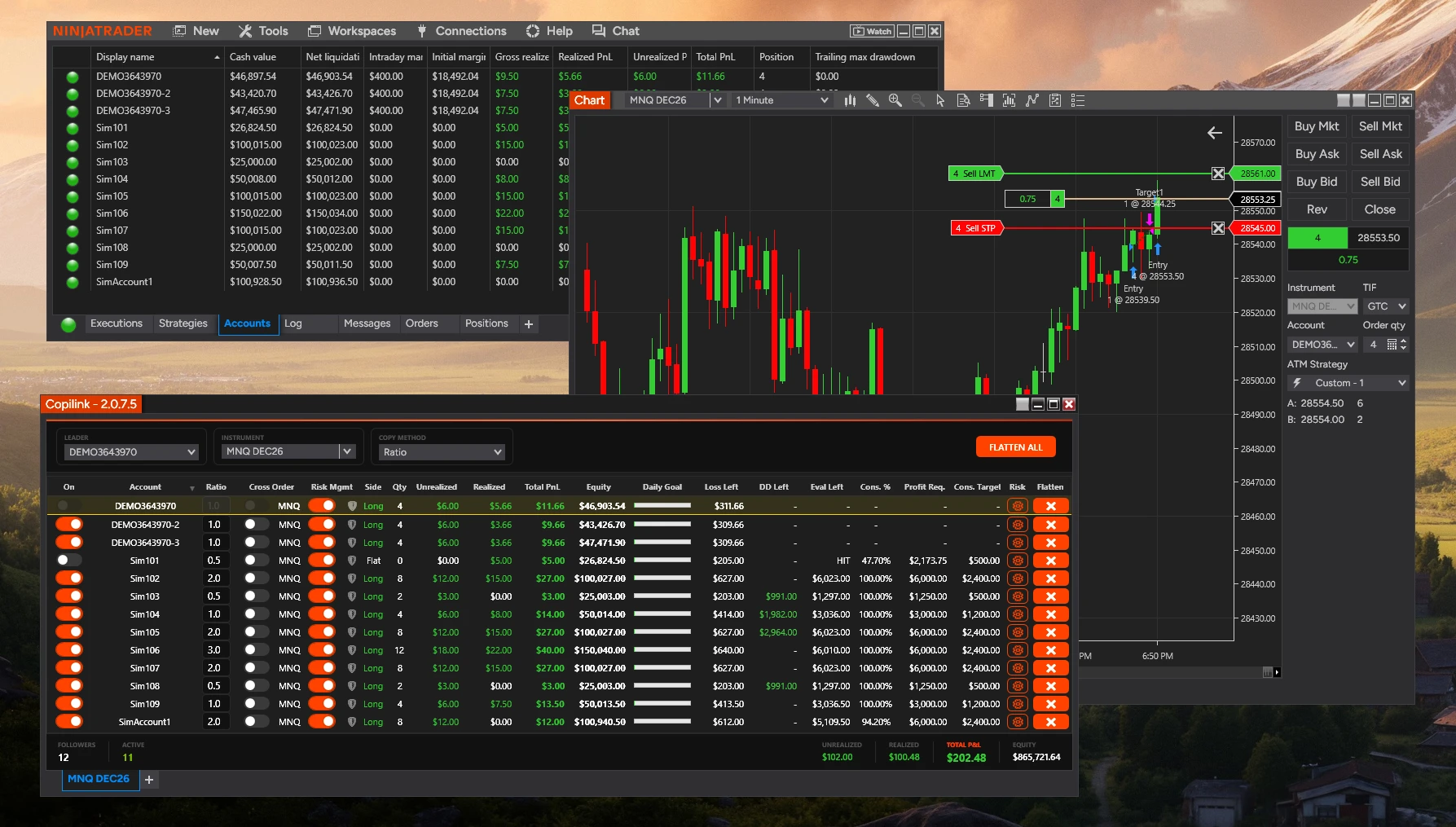
We say which Standalone controls can act on a rule and which only monitor it. The firm and broker stay the authority.
5Recheck every 60 days
Older pages show a recheck notice, and material changes go in the changelog.
Check your account terms. Your account's terms decide the rule.
- Broker access and copier permission
- Separate firm rules
- Legacy and current payout terms
- Never mixed
- Unknown fees and limits
- Marked unknown