
Trailing drawdown calculator
This trailing drawdown calculator works out where your end-of-day or intraday floor sits and how much room is left above it. Enter your program's allowance and lock point.
Free · No sign-up
Illustrative inputs · replace with your account values
When the highest balance or equity can move the floor.
The firm's maximum loss amount for this account.
Use the firm's checkpoint, not the account's nominal label.
Include unrealized P&L if the firm's breach test does.
Leave blank if this program does not lock its floor.
Calculated threshold
This is arithmetic from your inputs, not a firm or broker balance. It excludes commissions, slippage, resets and program-specific breach rules.
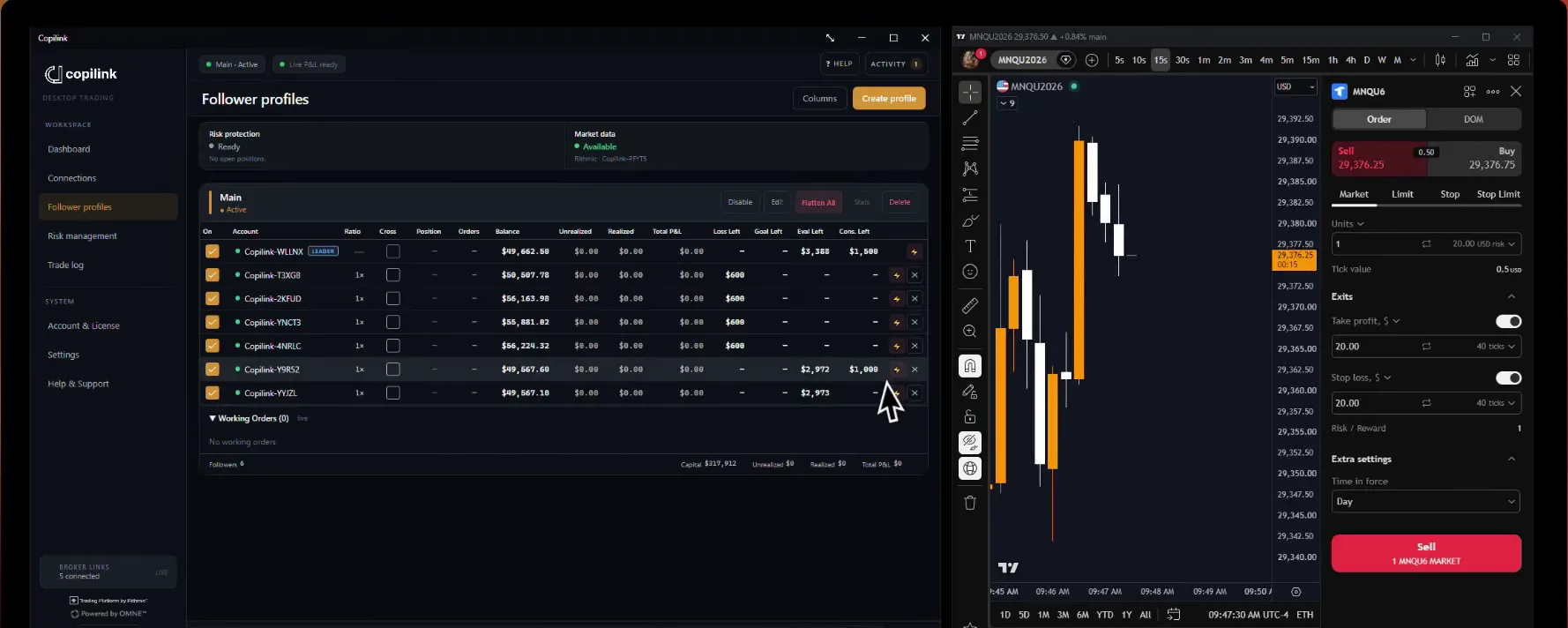
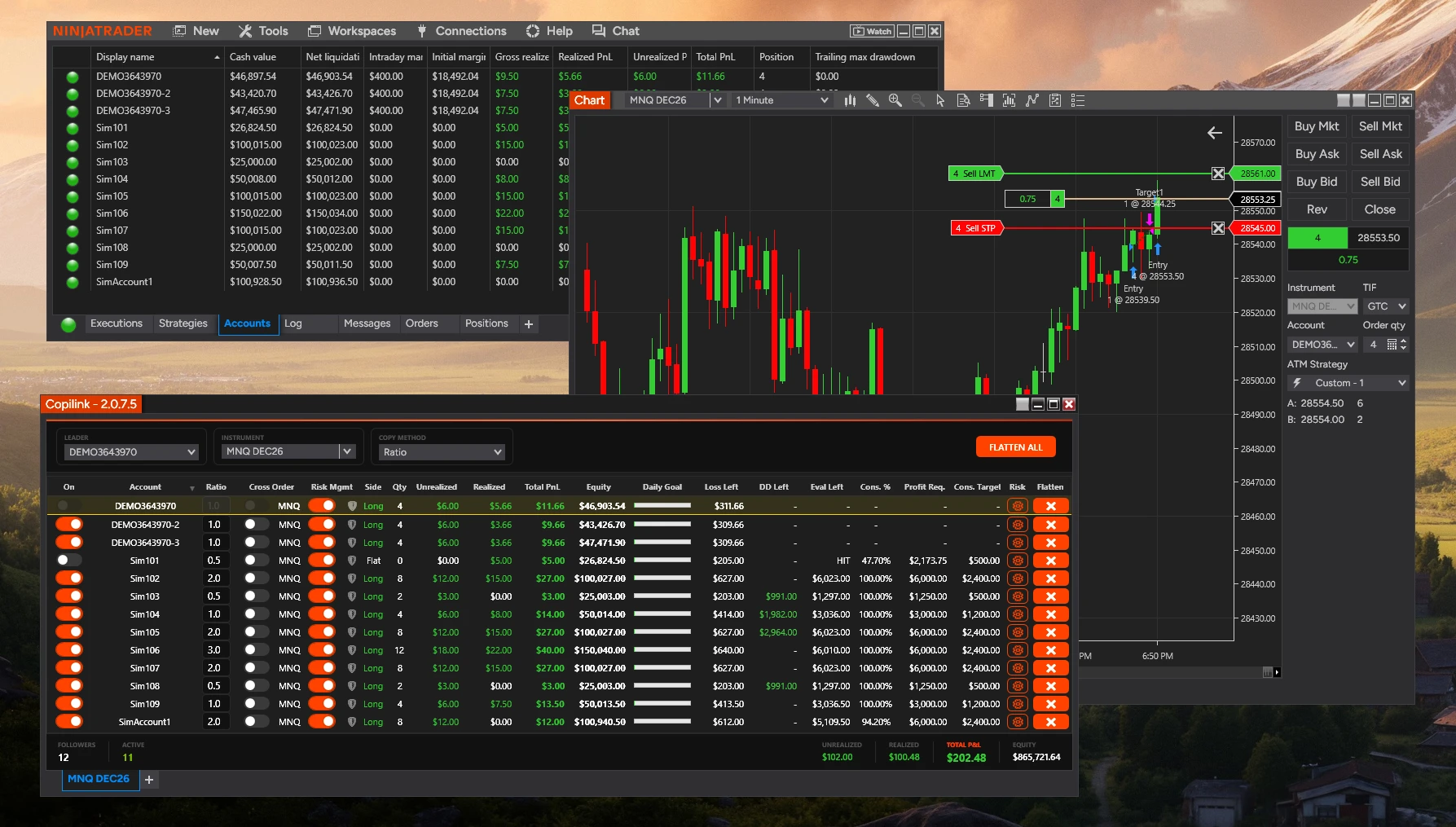
Copilink Standalone shows the drawdown on each real account.
Start 14-day free trial14 days free · No card · Doesn't start a paid plan on its own
EOD vs intraday trailing drawdown: what changes? When the floor moves: at the close, or at every new high.
Next session opens at$50,500
- Intraday floor
- $49,200$1,300 room
- Moves at every new high
- End-of-day floor
- $48,500$2,000 room
- Moves at the close
The formula
floor = highest checkpoint − allowance
The checkpoint is your highest close (end of day) or your highest equity (intraday).
$51,000 − $2,000 = $49,000
End of day: a $51,000 close moves the floor from $48,000 to $49,000 for the next session.
$51,200 − $2,000 = $49,200
Intraday: a $51,200 high moves the floor at once. Back at $50,500 you have $1,300 of room.
What should you check on your firm first? Three things that move the floor.
Open profit: $49,200 · Closed balance: $48,000
Balance or open equity
Some firms trail your closed balance, others include unrealized profit.
- Locks at $50,100
Trails to $50,100, then stops
When the floor locks
Many programs stop trailing at a set level. Enter it as the lock point.
A $1,500 payout: $3,100 of room becomes $1,600
What a payout does
A payout can reset or lock the floor, and touching the floor may count as a breach.
IllustrationExample numbers on a $50,000 account: white is equity, the coloured line is the floor.
Does Copilink watch the drawdown on your real accounts? It shows the room left, and a daily loss limit can act first.
In Copilink Standalone
Trailing drawdown is tracked only.Standalone shows how far each account is from its floor and takes no action on it. Your firm's own drawdown rule still applies.
Rithmic drawdown distance, where the firm reports it.Shown on the account, display only.
A daily loss limit can act before the floor does.Set it below your firm's. At the limit Copilink switches the account off as a follower and sends the broker a flatten request.
Daily profit, evaluation goals and evaluation consistency can act too.Each rule belongs to one account.
A flatten is a request to the broker.Confirm positions and working orders there before you resume.
One app, a full trading suite: four tools you stop paying for separately
Trade copier
One leader to any number of Tradovate and Rithmic followers, a ratio per follower.
Account protection and risk rules
Follower protection and per-account limits that request a flatten and stop copying.
Trade journal
Every synced trade ready to review on the web. The full journal is in the Suite plan.
Analytics
Desktop analytics on every plan, advanced web analytics in Suite.
Copilink Standalone is the best choice for a trader running several prop accounts: it copies the trade, guards each account and keeps the record. Review each account afterwards in the built-in futures trading journal, with equity and drawdown analytics in Suite.
Set your limits before your next session.14 days free · No card · Doesn't start a paid plan on its own
Start 14-day free trialWhat else do traders ask about trailing drawdown? Four answers, with the numbers.
What is an EOD trailing drawdown?
Your floor trails your highest end-of-day balance by the allowed loss. On a $50,000 account with a $2,000 allowance, a $51,000 close moves the floor from $48,000 to $49,000 for the next session. Open profit during the day does not move it, though firms such as Apex, Tradeify and Take Profit Trader still close the account if equity touches the floor mid-session.
What is an intraday trailing drawdown?
Your floor trails your highest equity, including open profit, the moment it happens. If a trade on a $50,000 account with a $2,000 allowance runs to +$1,200 and you close it at +$500, the floor has already risen to $49,200, leaving $1,300 of room. Under an end-of-day model the floor would still sit at $48,000 until the close.
Which is better, EOD or intraday trailing drawdown?
End-of-day usually leaves more room for traders who let winners run, because profit you give back before the close never raises the floor. Intraday punishes every pullback from a new high. Compare the rest of the program too: daily loss limits, payout rules and price differ by firm.
When does a trailing drawdown stop trailing?
Many programs lock the floor once it reaches the starting balance or a set level just above it. Take Profit Trader's PRO floor, for example, stops at the starting balance. Enter your program's lock level in the calculator to see where your floor ends up.
Still have a question?
Send us your firm, broker and accounts and ask us directly.
Trade one account.
Copilink the rest.
1Create your account
An email, your name and a password. No card.
2Install and sign in
Download Copilink Standalone for Windows or Mac and sign in with that account.
3Connect and copy
Add your Tradovate or Rithmic logins, pick a leader, and place one micro contract trade to watch it copy.
- 14 days free
- ·No card
- ·Doesn't start a paid plan on its own