BluSky Trading rules and copy trading
BluSky allows copying across a trader's own evaluation, sim-funded and live accounts. Its program families use different consistency and payout rules, so the account stage matters more than the platform badge.
Rules checked 4 November 2026against the firm's public help center.How we check
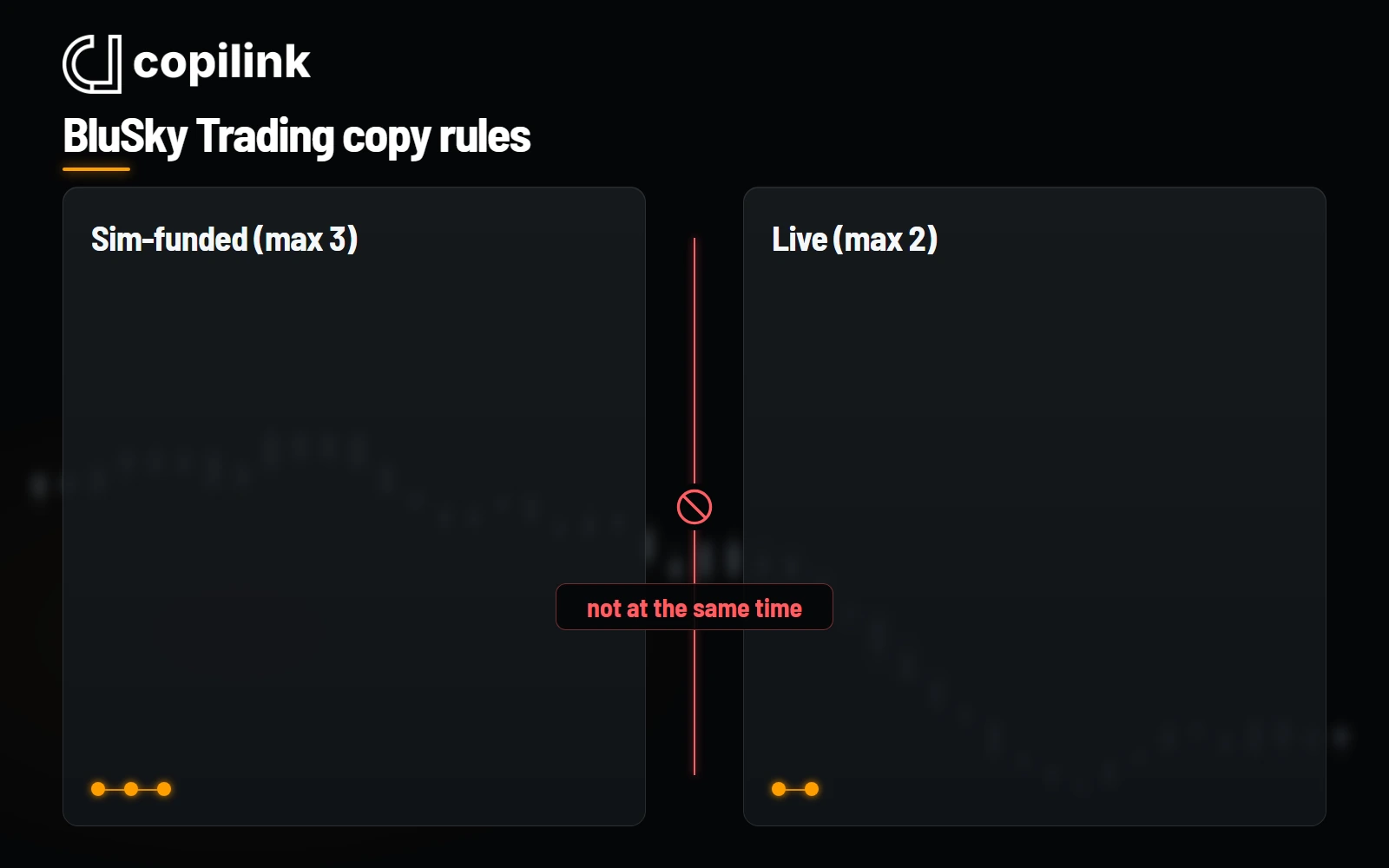
At a glance
- Copiers
- Own-account copying allowed
- Routes
- Tradovate Prop and Rithmic
- Evaluation accounts
- No published count cap
- Sim-funded cap
- 3 accounts
- Live cap
- 2 accounts
- Stage boundary
- No simultaneous live and sim-funded trading
Which BluSky rules change by program?
| Program | Evaluation consistency | Funded payout note |
|---|---|---|
| Propel Premium | 34% best-day ceiling | Sim-funded payouts follow the standard buffer and cap rules |
| Static | 34%; 300K uses 21% | Check the purchased Static payout schedule |
| Orbit V2 | None in evaluation | 40% funded consistency; $500 minimum and a rolling 7-day cap |
Three boundaries to keep separate
Sim-funded versus live
BluSky permits copying in each stage, but forbids trading live and sim-funded accounts at the same time.
Payout rules vary
Orbit V2's 40% funded consistency and payout caps should not be applied to Propel Premium or Static accounts.
Choose the issued route
The listed broker routes do not mean both are available on every account. Confirm the login and environment provided to you.
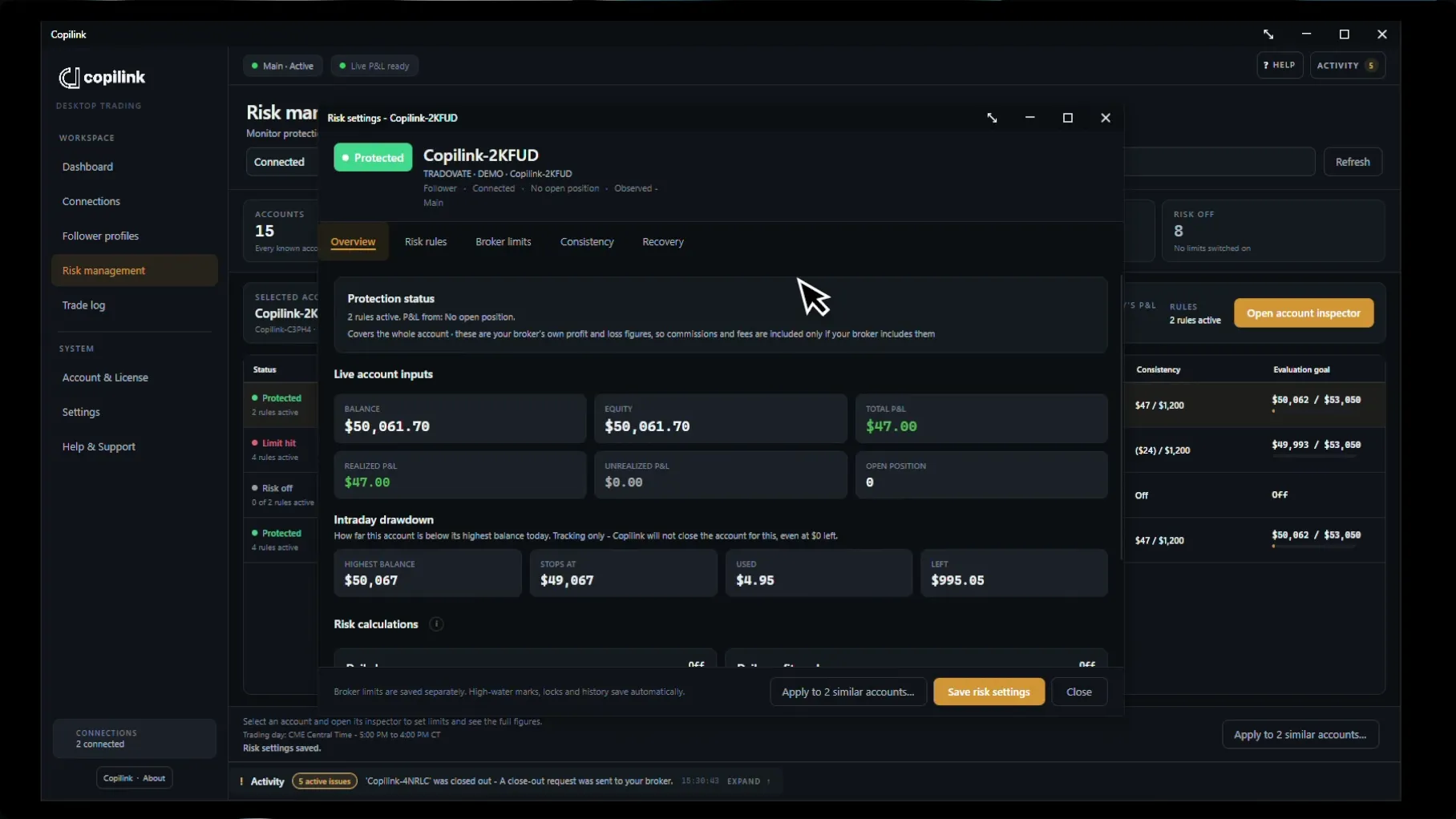
What Copilink can act on
Standalone can act on daily loss, daily profit, evaluation goals and evaluation consistency. Trailing drawdown and funded consistency are monitoring-only. A flatten is a request, so confirm the position at the broker.
Scope: current published evaluation, sim-funded and Orbit V2 rules; payout examples are program-specific. Firm terms and purchased account agreements govern.