
NQ to MNQ quantity conversion examples
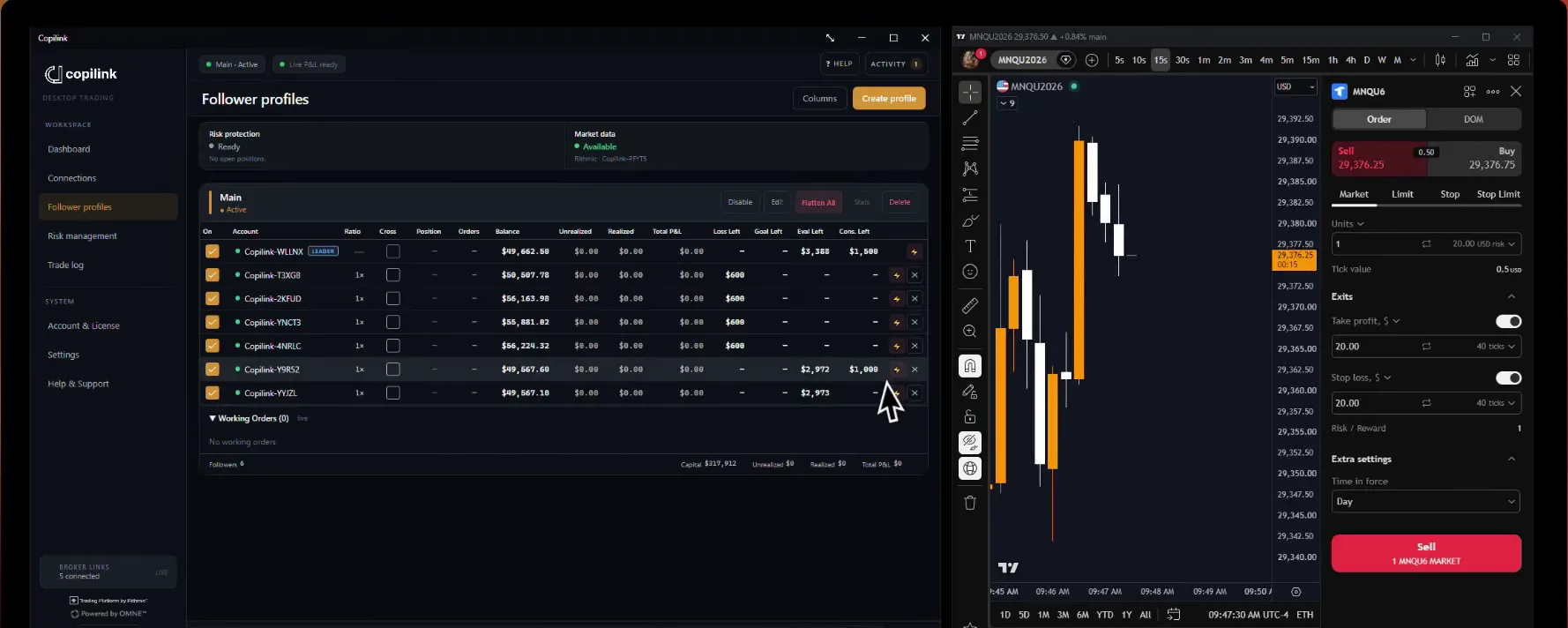
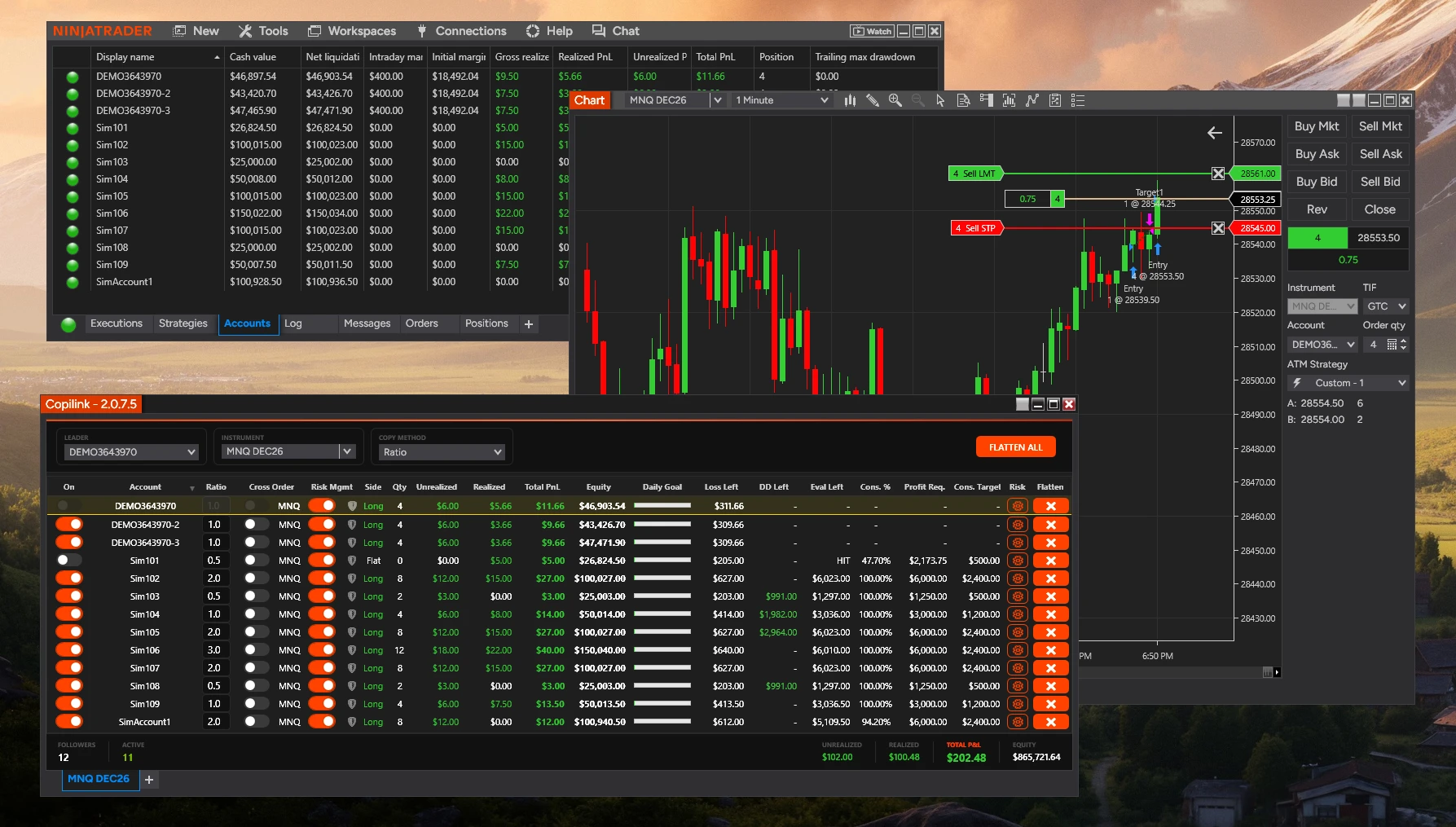
Copilink Cross Order maps NQ to MNQ while the follower ratio controls quantity. The app calculates floor(leader quantity × follower ratio) so every submitted quantity is a whole contract.
Calculated MNQ follower quantity
16 examplesfloor(leader quantity × follower ratio)
| NQ leader quantity | Ratio × 0.5 | × 1 | × 2 | × 10 |
|---|---|---|---|---|
| 1 NQ | 0 | 1 | 2 | 10 |
| 2 NQ | 1 | 2 | 4 | 20 |
| 3 NQ | 1 | 3 | 6 | 30 |
| 5 NQ | 2 | 5 | 10 | 50 |
A calculated result below one becomes zero, so no follower order is sent for that event.
What the table shows
What it isDeterministic configuration examples: the quantity Copilink calculates for an NQ leader order and a follower ratio.
What it is notFill or performance measurements.
Last verified 14 Sep 2026.
How do you get these quantities? Map NQ to MNQ, then set each follower's ratio.
Two rows, worked through
3 NQ × 0.5 = 1.51 MNQ
Rounded down to a whole contract.
1 NQ × 0.5 = 0.50 MNQ
Below one, so no follower order is sent.
Choose NQ as the leader instrument
NQ is the instrument the leader's orders are placed in.
Enable the Cross Order mapping to MNQ
Cross Order selects the paired symbol.
Set the ratio for each follower
The ratio is the explicit quantity control, which lets each follower use the contract count selected for that account.
These examples are for Copilink Standalone.
Place one micro contract trade and watch it copy.14 days free · No card · Doesn't start a paid plan on its own
Start 14-day free trial