
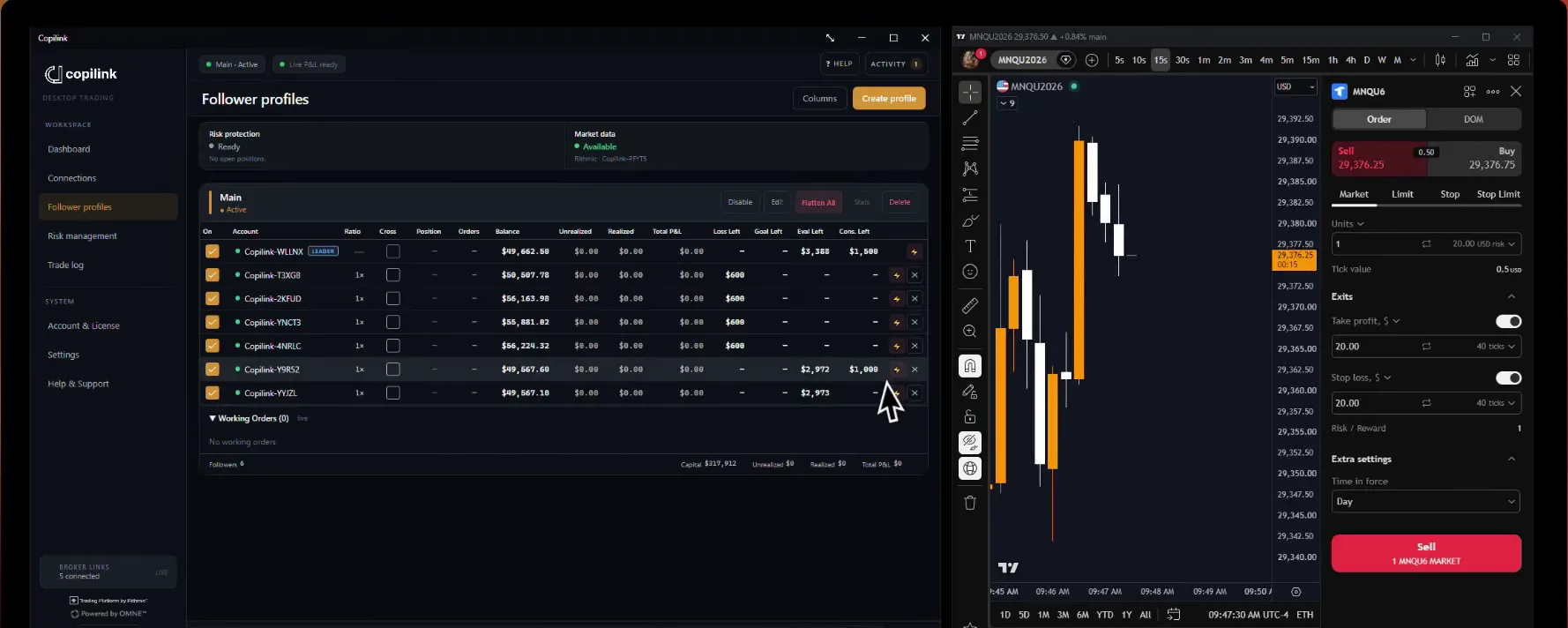
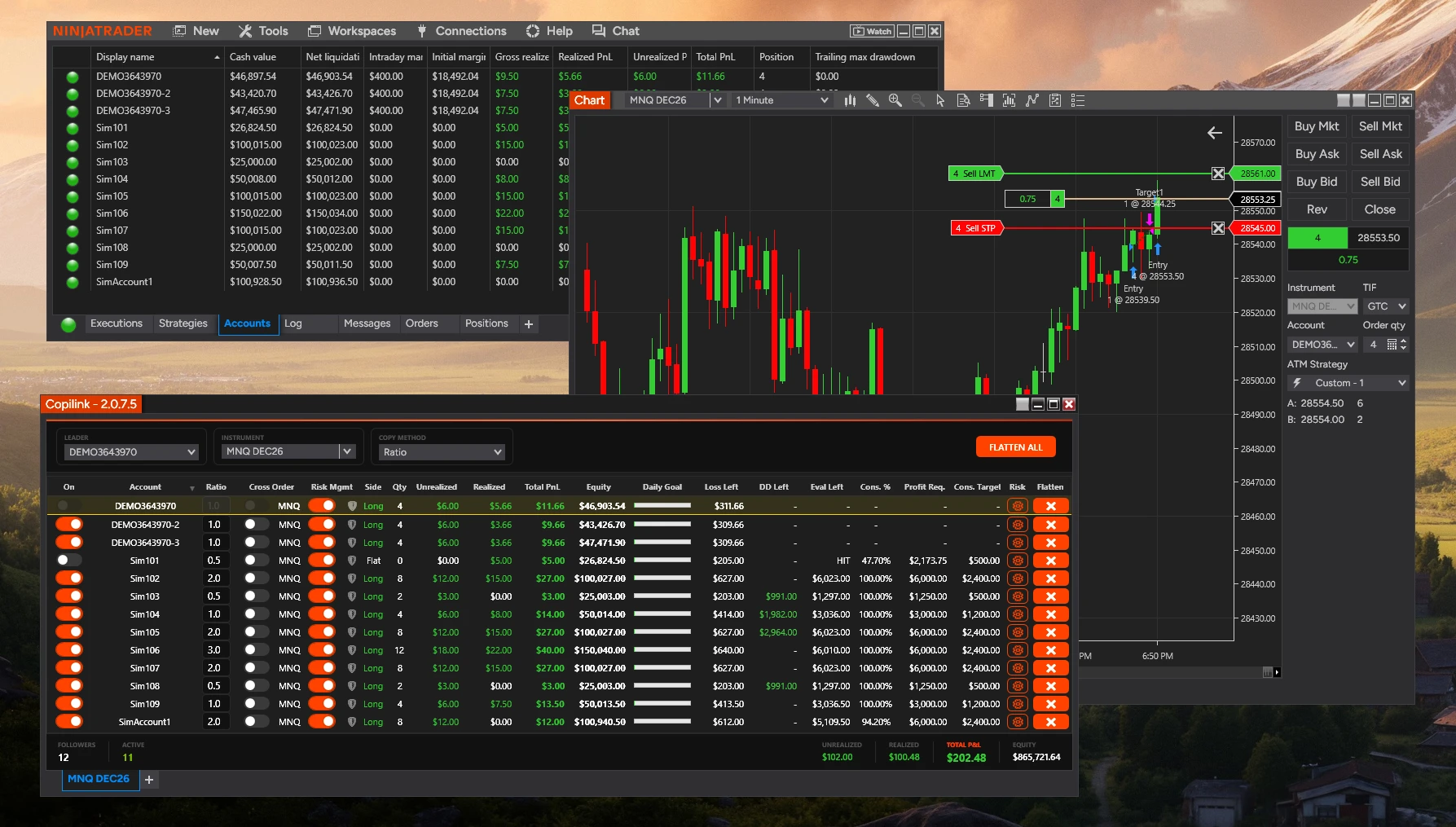
Configure account risk protection in Copilink Standalone
A focused walkthrough of Copilink Standalone risk settings: the account's starting balance, a daily loss limit, applying it to a similar account, and protected account status.
Edited transcript
The Risk management screen lists every account with its status. One account needs attention: protection is on but no limit is set.
Open that account's risk settings to see its account type and starting balance.
Switch on the daily loss limit and set its amount.
Apply the same settings to the similar account and save.
Back on Risk management, every account shows Protected with its daily loss left.
Place one micro contract trade and watch it copy.14 days free · No card · Doesn't start a paid plan on its own
Start 14-day free trial