
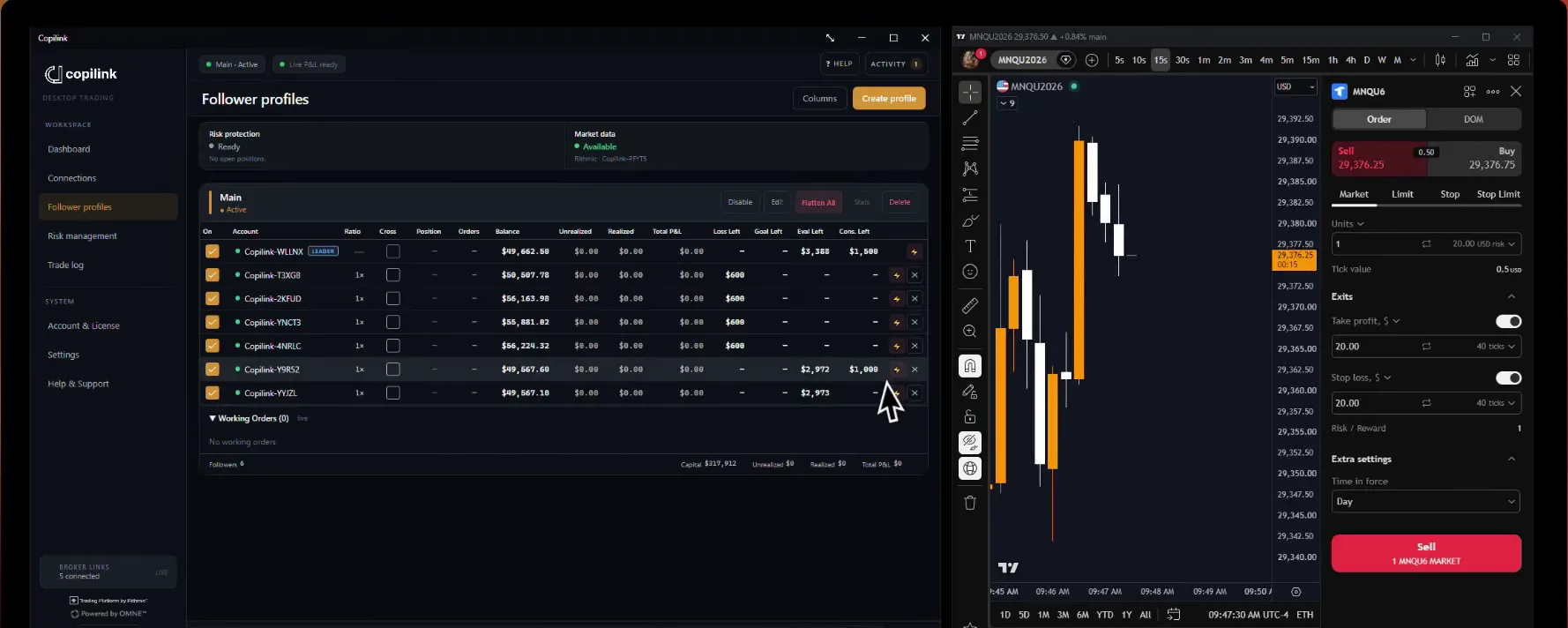
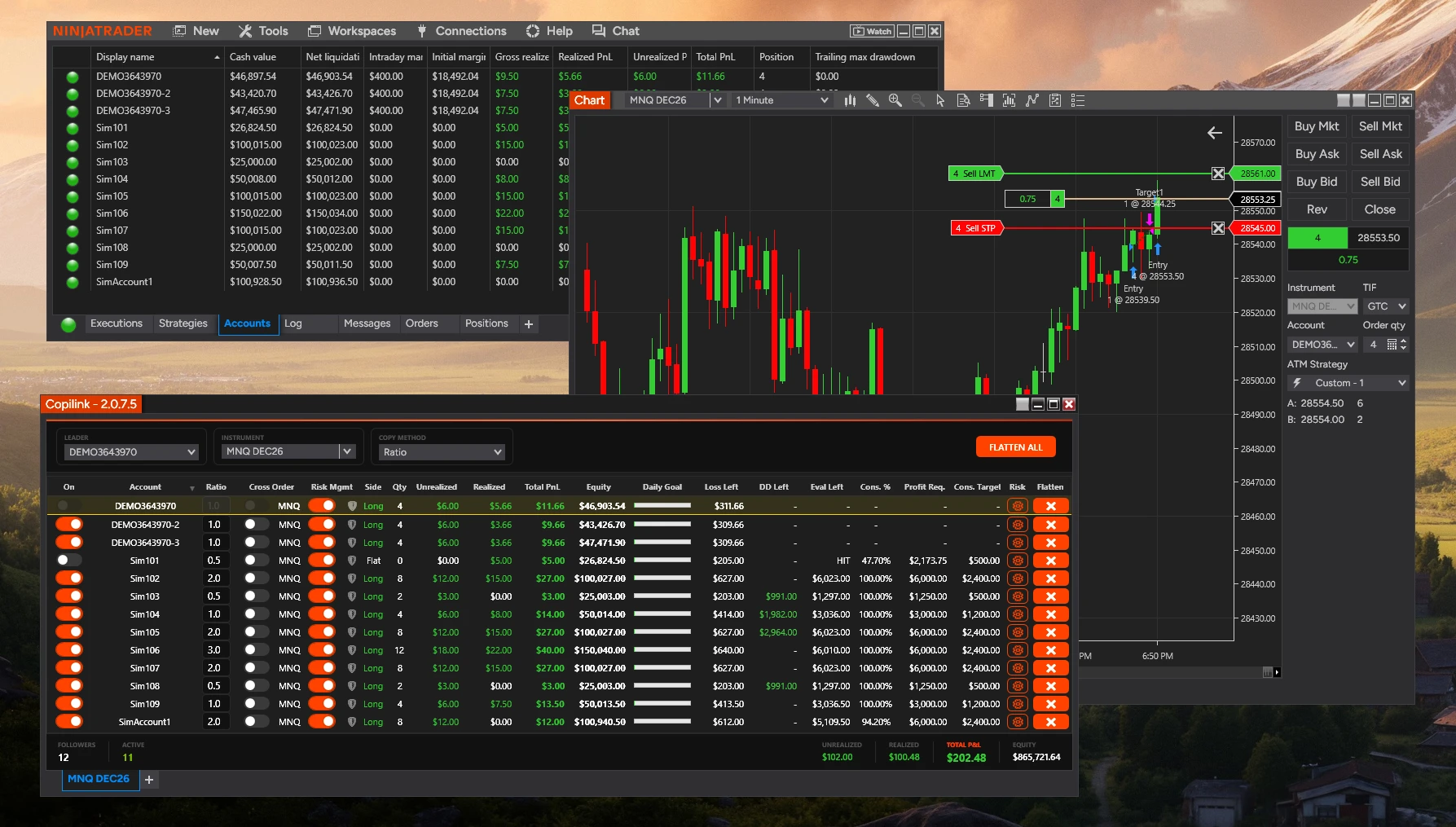
What is the difference between Flatten and Disengage?
Flatten: Closes the open positions on an account for the tab's instrument.
Disengage (also called "turn off"): Stops copying new trades to the follower.
Together:
Account Goal and consistency protection flatten when breached but do not use the daily goal/loss lockout toggles. Trailing drawdown is tracked only: it shows DD Left and never flattens an account.
• Copilink asks NinjaTrader to flatten the account, which also cancels its working orders
• A follower's own Flatten button also switches that follower off
Disengage (also called "turn off"): Stops copying new trades to the follower.
• Does NOT close open positions
• The follower keeps any current positions open
• No new leader trades will be copied
• You disengage a follower with its On switch. There is no separate Disengage Followers button
Together:
• Flatten All switches the followers off, flattens them and then flattens the leader. With "Disengage followers on Flatten All click (Recommended)" on, the followers stay off until you switch them back on. With it off, they switch back on 3 seconds later
• Follower Protection flattens a follower, and with "Disengage follower when protection triggers (Recommended)" on it also switches it off
• A risk rule flattens the account and switches it off. It cannot be switched back on while the limit is still reached. Daily Goal and Daily Loss can also use Session Lockout to keep it locked for the rest of the session
Account Goal and consistency protection flatten when breached but do not use the daily goal/loss lockout toggles. Trailing drawdown is tracked only: it shows DD Left and never flattens an account.
Not answered here?