
Can I use TradingView to copy trades to follower accounts?
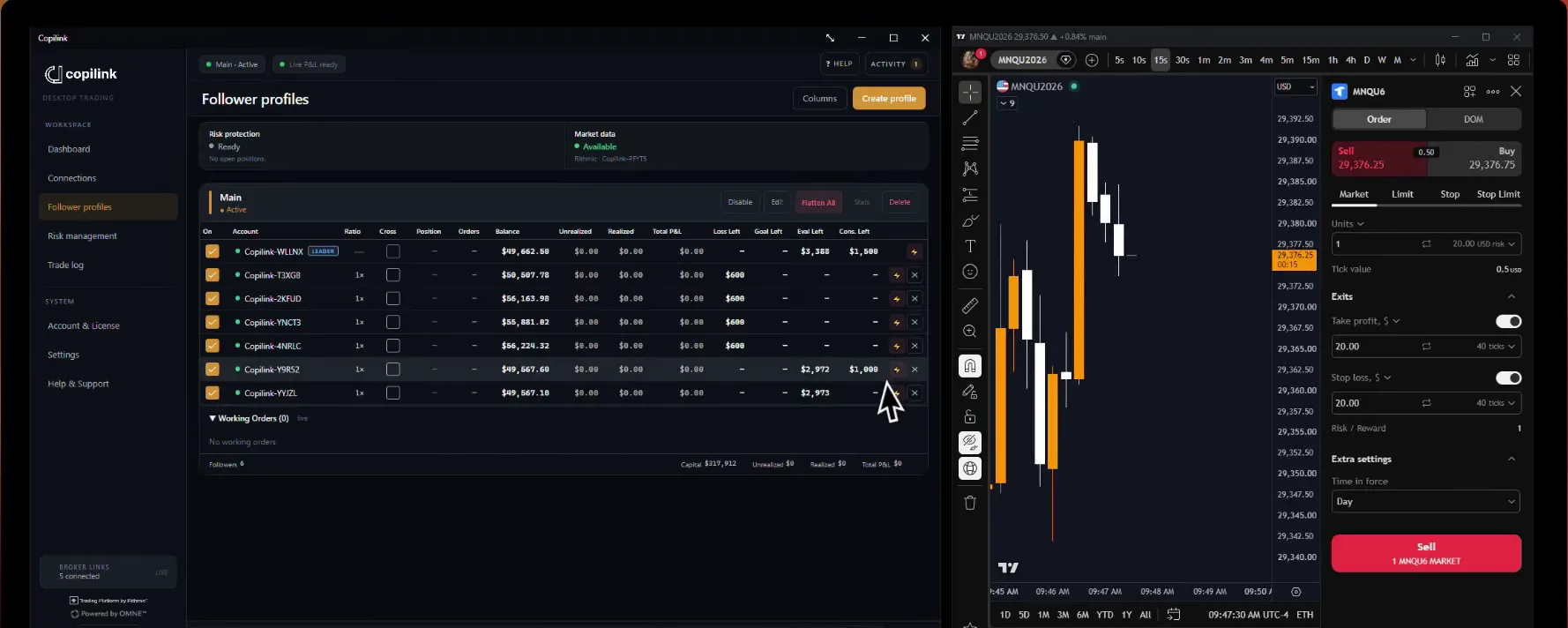
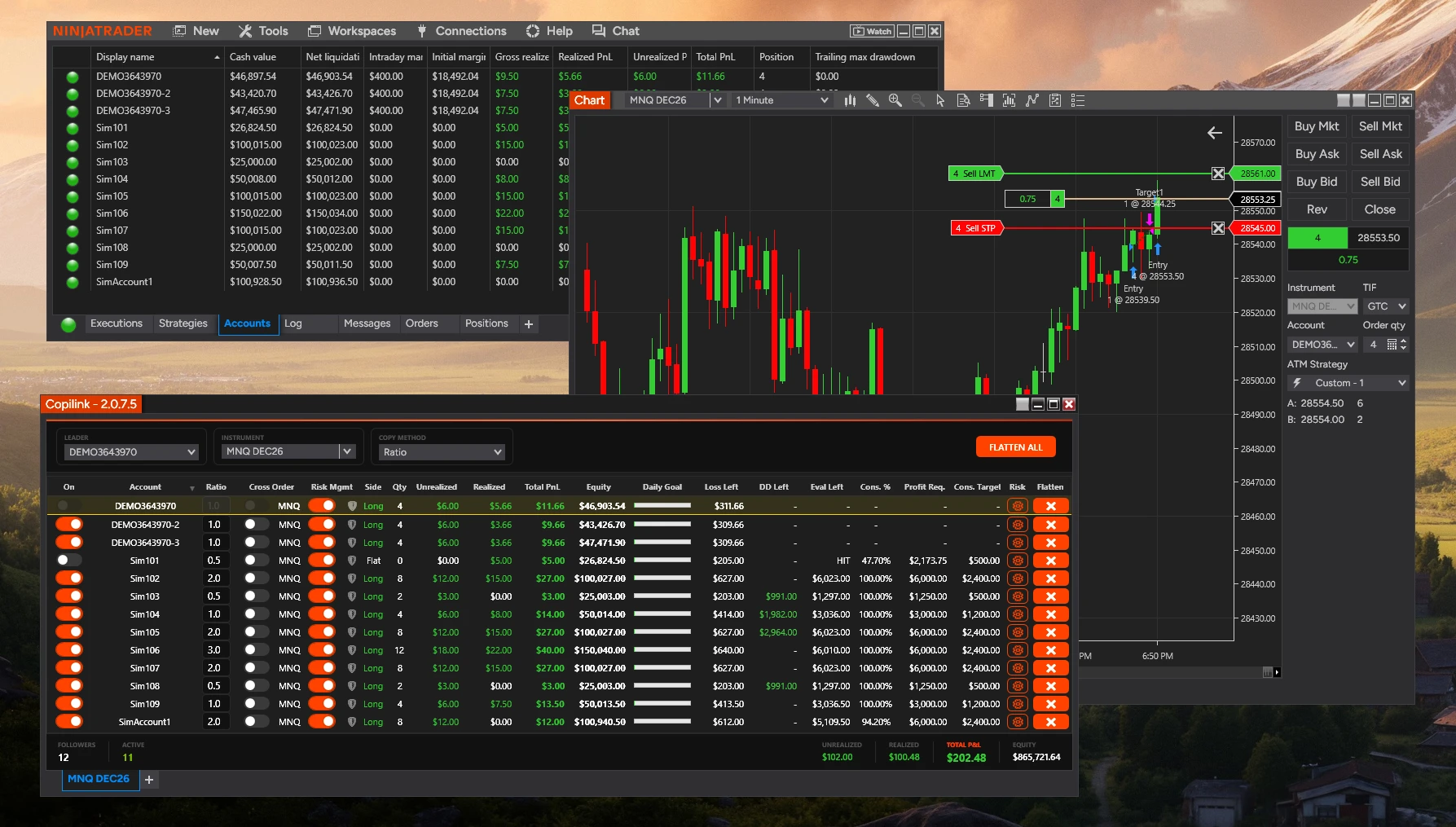
Yes, when the account you trade on TradingView is also connected in NinjaTrader 8. Both platforms then trade the same broker account, so an order you place on TradingView shows up in NinjaTrader and Copilink copies it to your followers.
How it works:
Setup requirements:
Important notes:
How it works:
1. You place the trade on TradingView, on a Tradovate account (TradingView's NinjaTrader or Tradovate broker login)
2. NinjaTrader 8 has the same Tradovate account connected and sees the order and its fills
3. Copilink copies the trade to the followers
Setup requirements:
• The same Tradovate account connected in TradingView and in NinjaTrader 8
• That account set as the Leader in Copilink
• Each instrument needs its own Copilink tab, on the same contract month as your TradingView chart
Important notes:
• TradingView doesn't connect to Rithmic, so a Rithmic account can't be the leader for TradingView trades
• TradingView alerts and webhooks aren't an input: Copilink copies orders on the leader account, not signals
• NinjaTrader 8 and Copilink must stay open while you trade
• Copilink for NinjaTrader 8 runs on Windows. Copilink Standalone copies TradingView trades on Windows and macOS without NinjaTrader
Not answered here?