
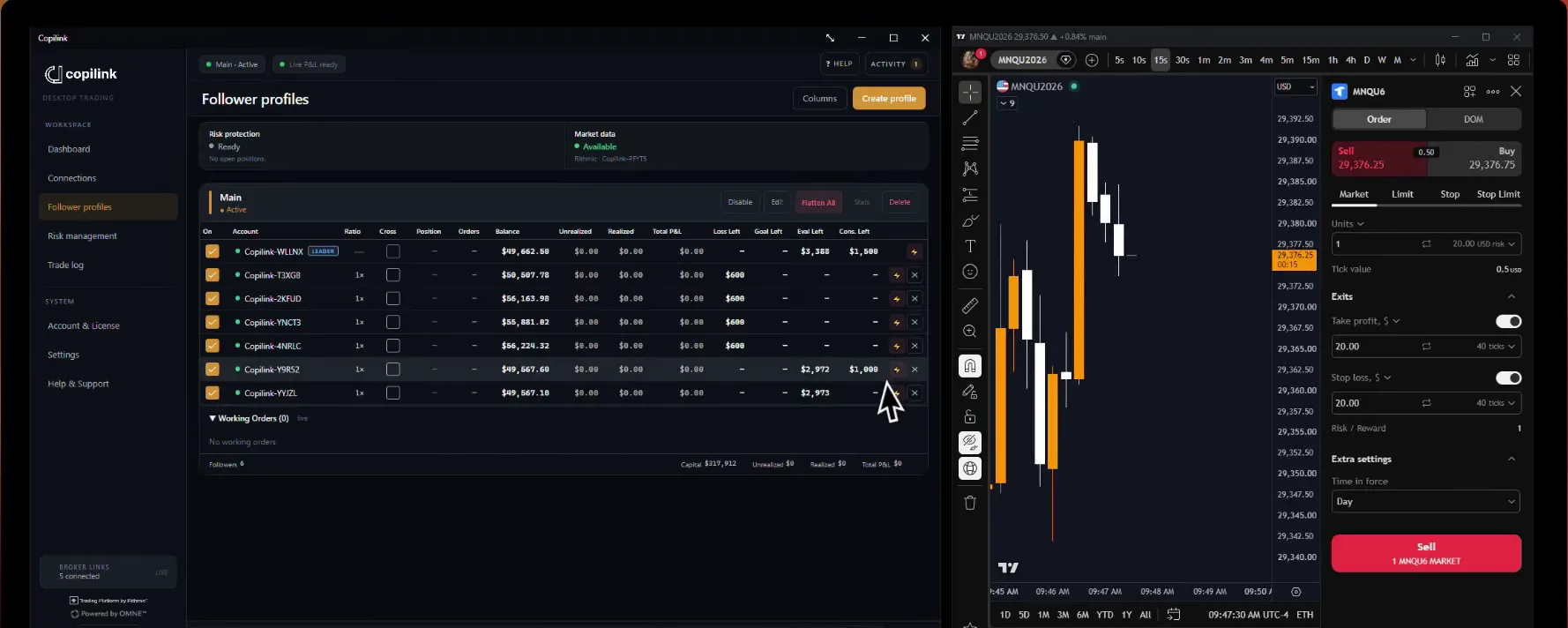

Why doesn't the Flatten All button work?
Flatten All only acts on the instrument of the Copilink tab you are in. It can also fail when NinjaTrader hasn't updated open positions yet, or when NinjaTrader and the broker aren't communicating.
VERY IMPORTANT: before you flatten from NinjaTrader itself (Positions tab → right-click → Flatten Everything), switch the followers off in Copilink. Otherwise the leader's flatten can be copied to followers as new reverse positions, for example when you flatten a follower first and then the leader while copying is still on.
Safe process:
VERY IMPORTANT: before you flatten from NinjaTrader itself (Positions tab → right-click → Flatten Everything), switch the followers off in Copilink. Otherwise the leader's flatten can be copied to followers as new reverse positions, for example when you flatten a follower first and then the leader while copying is still on.
Safe process:
1. Use Copilink Flatten All to close the leader and followers together
2. Or switch all followers off in Copilink before flattening in NinjaTrader
3. Switch the followers back on once everything is flat
Not answered here?