
How do I copy trades for multiple instruments at the same time?
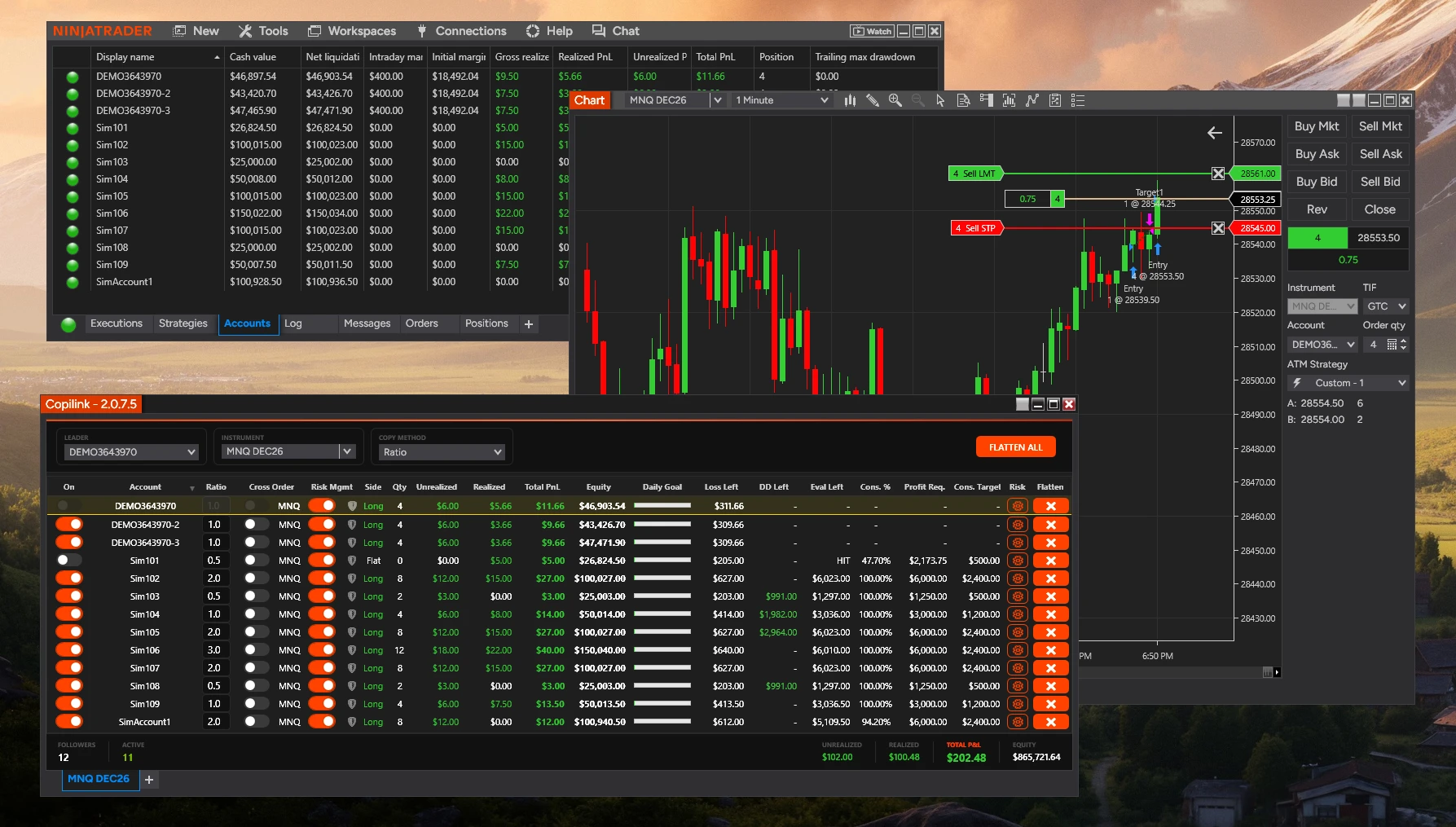
Each instrument requires its own Copilink tab.
To set up multiple instruments:
1. Open Copilink: Control Center → New → Copilink (this opens the first tab)
2. Press the small plus sign on the bottom of the window to add a new tab
3. Select a different instrument in the new tab
4. Configure leader and followers for that instrument
Each tab is independent - followers, settings, and PnL are tracked per tab.
To set up multiple instruments:
1. Open Copilink: Control Center → New → Copilink (this opens the first tab)
2. Press the small plus sign on the bottom of the window to add a new tab
3. Select a different instrument in the new tab
4. Configure leader and followers for that instrument
Each tab is independent - followers, settings, and PnL are tracked per tab.
Not answered here?