
Why does NinjaTrader give me import errors?
If you get import errors, use manual installation:
Steps:
Common causes:
If still failing:
Steps:
1. Unzip the Copilink.zip file you downloaded
2. Find Copilink.dll inside the unzipped folder
3. Copy Copilink.dll to: Documents\NinjaTrader 8\bin\Custom
4. Restart NinjaTrader 8
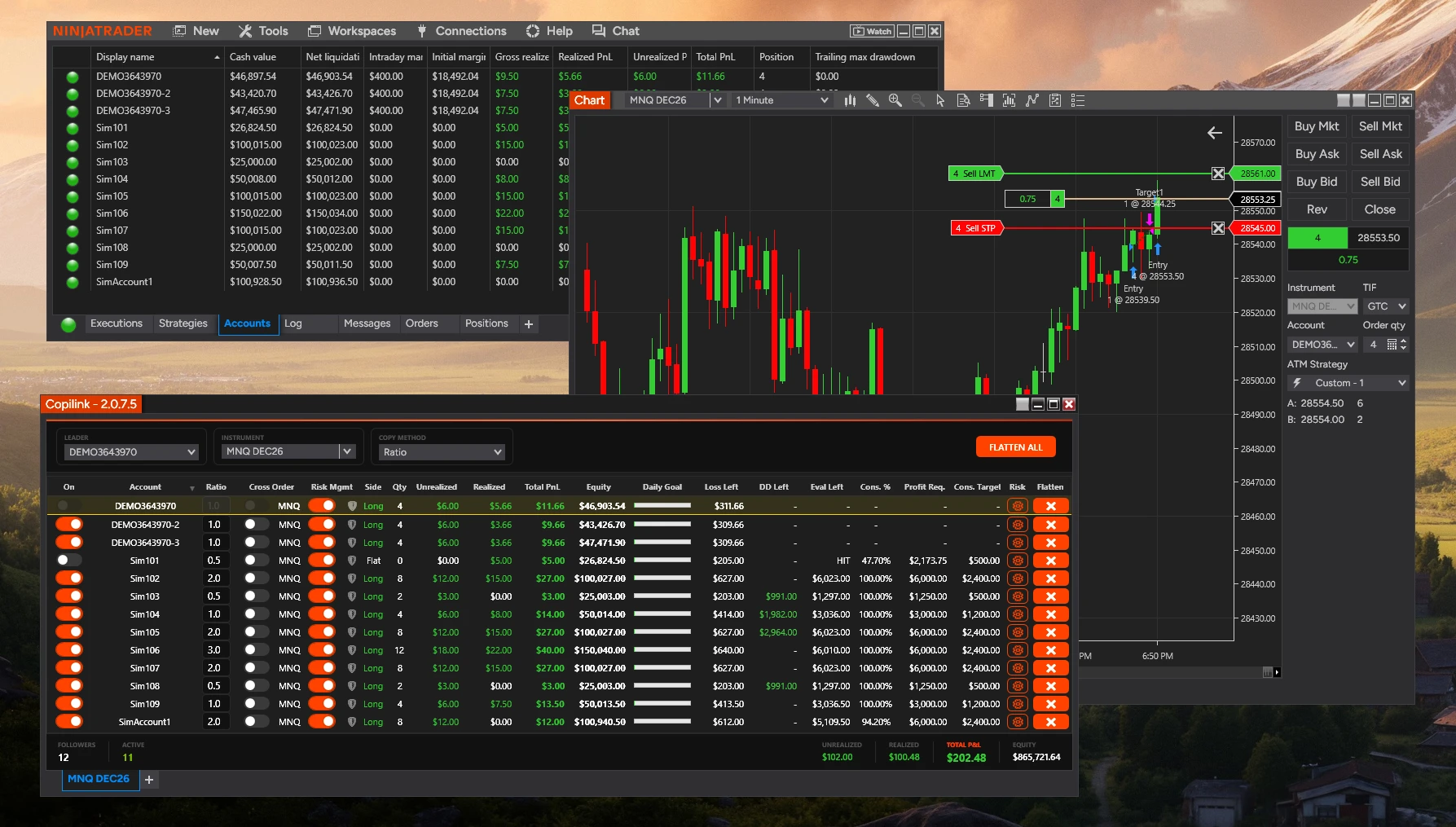
5. Copilink should now appear under New → Copilink
Common causes:
• Antivirus blocking the DLL file
• Windows permissions issue
• Corrupted download
If still failing:
• Close NinjaTrader completely before copying files
• Check whether antivirus quarantined the DLL
• Redownload the file from your dashboard
Not answered here?