
How do I export a Daily Stats Image?
Right-click the Copilink window and choose Daily Stats Image.
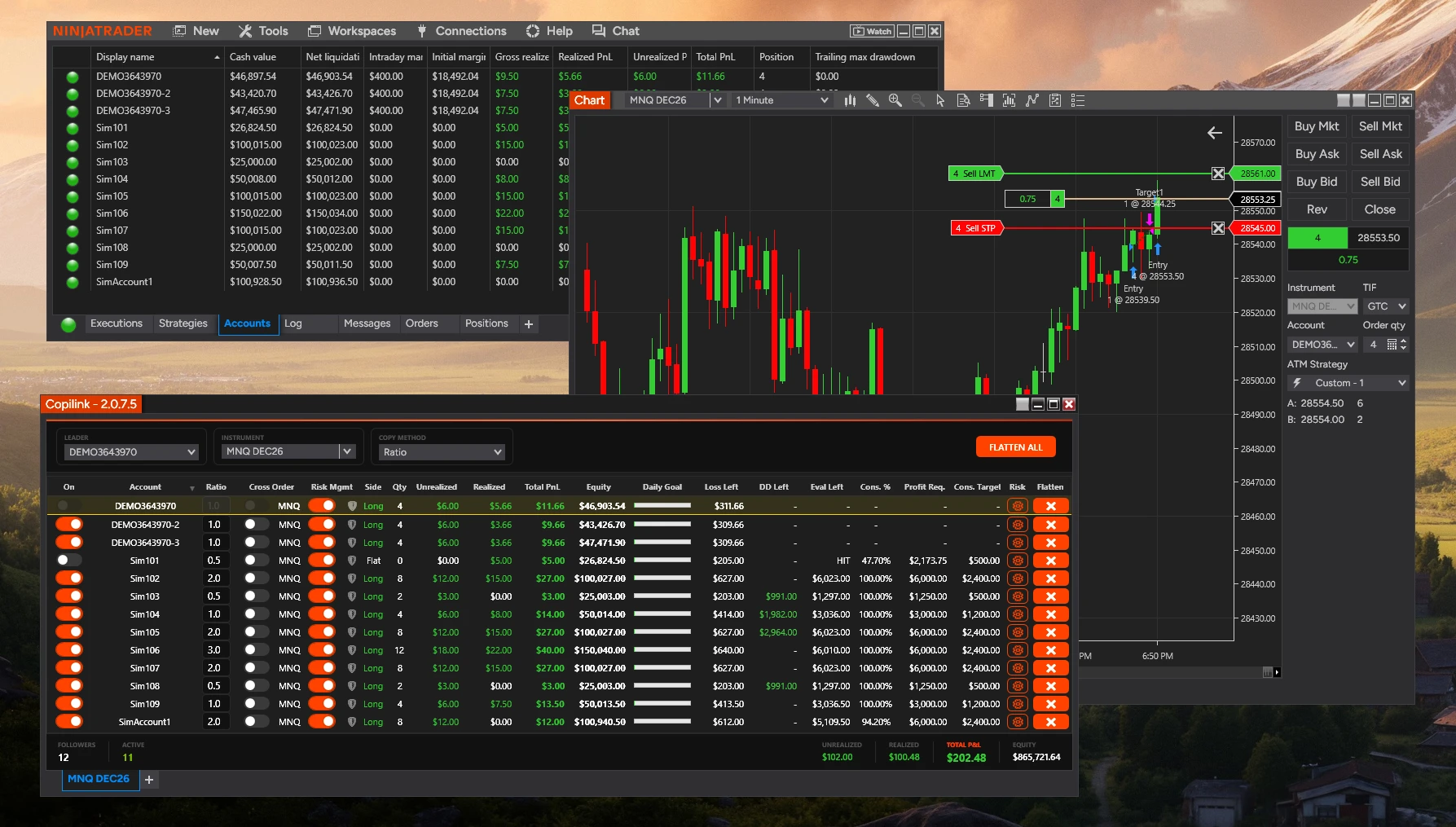
The export window shows a preview from the current Copilink tab's account stats. You can:
The export window shows a preview from the current Copilink tab's account stats. You can:
• Mask account names
• Hide flat or negative accounts
• Copy the image to clipboard
• Save the image as a PNG
Not answered here?