
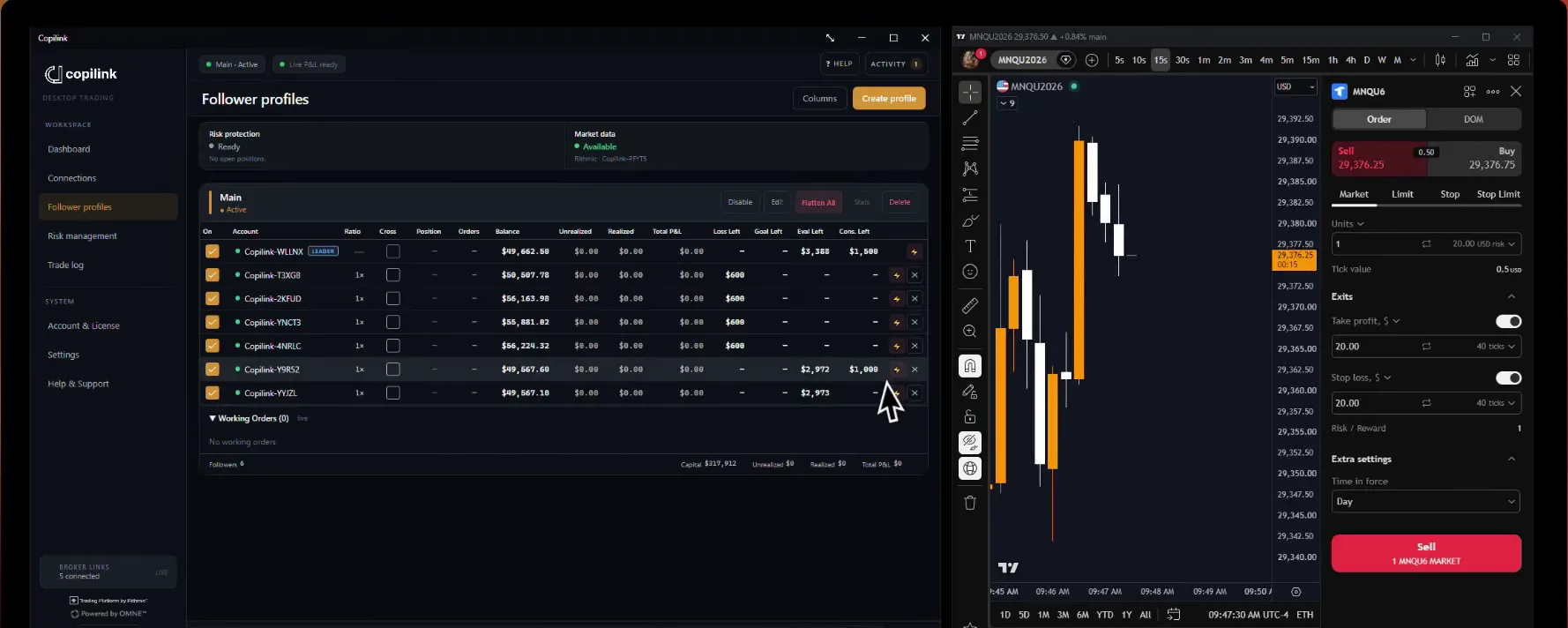

How do I select and persist a leader account?
Selecting a leader:
Persistence:
Copilink remembers the leader for each tab and restores it when you reopen Copilink. There is no setting to turn on.
Important: If no leader is selected, no orders will be copied.
1. Open Copilink window
2. Open the LEADER dropdown at the top of the tab
3. Select your leader account
4. Leader will show yellow underline
Persistence:
Copilink remembers the leader for each tab and restores it when you reopen Copilink. There is no setting to turn on.
Important: If no leader is selected, no orders will be copied.
Not answered here?